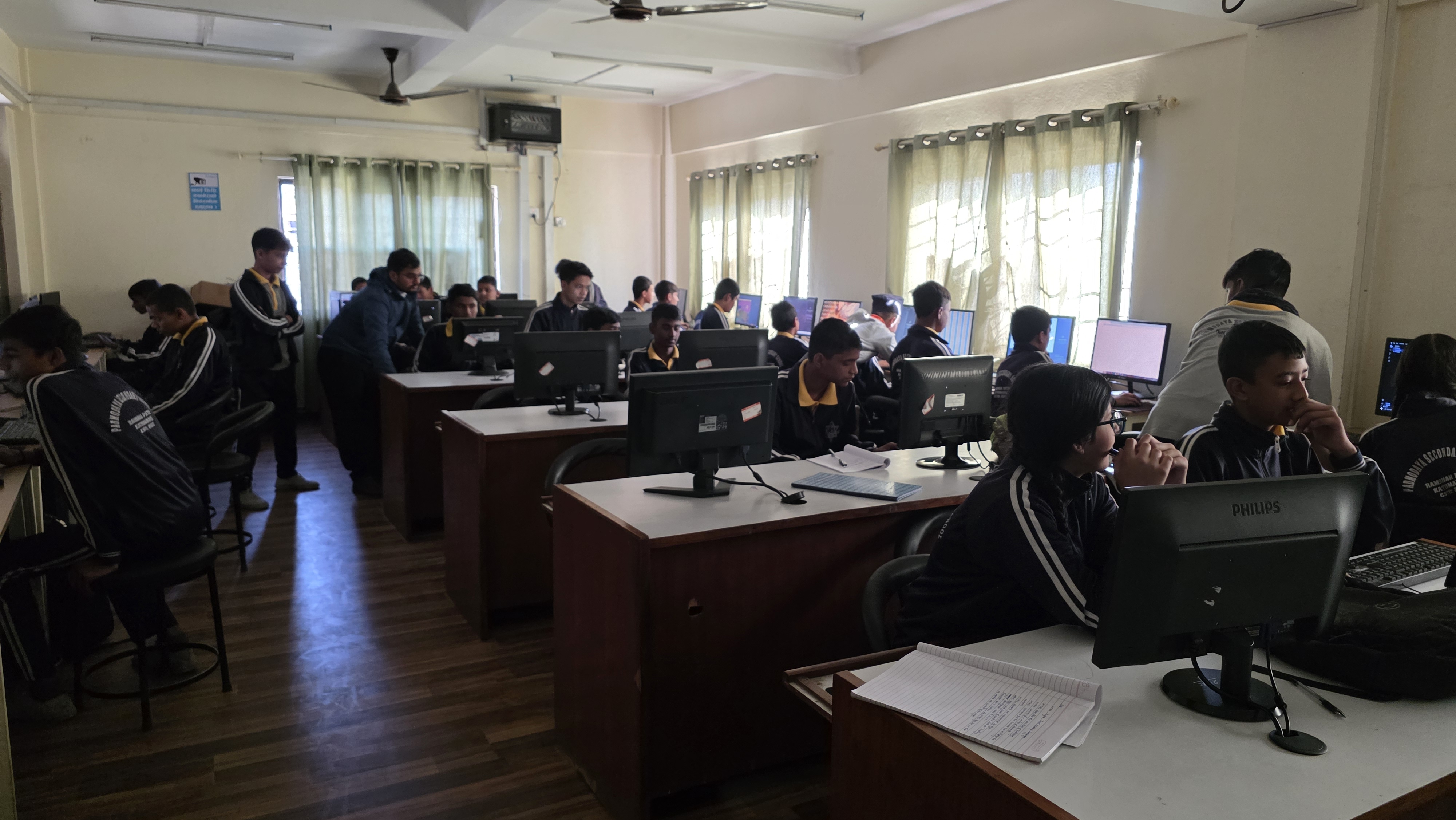
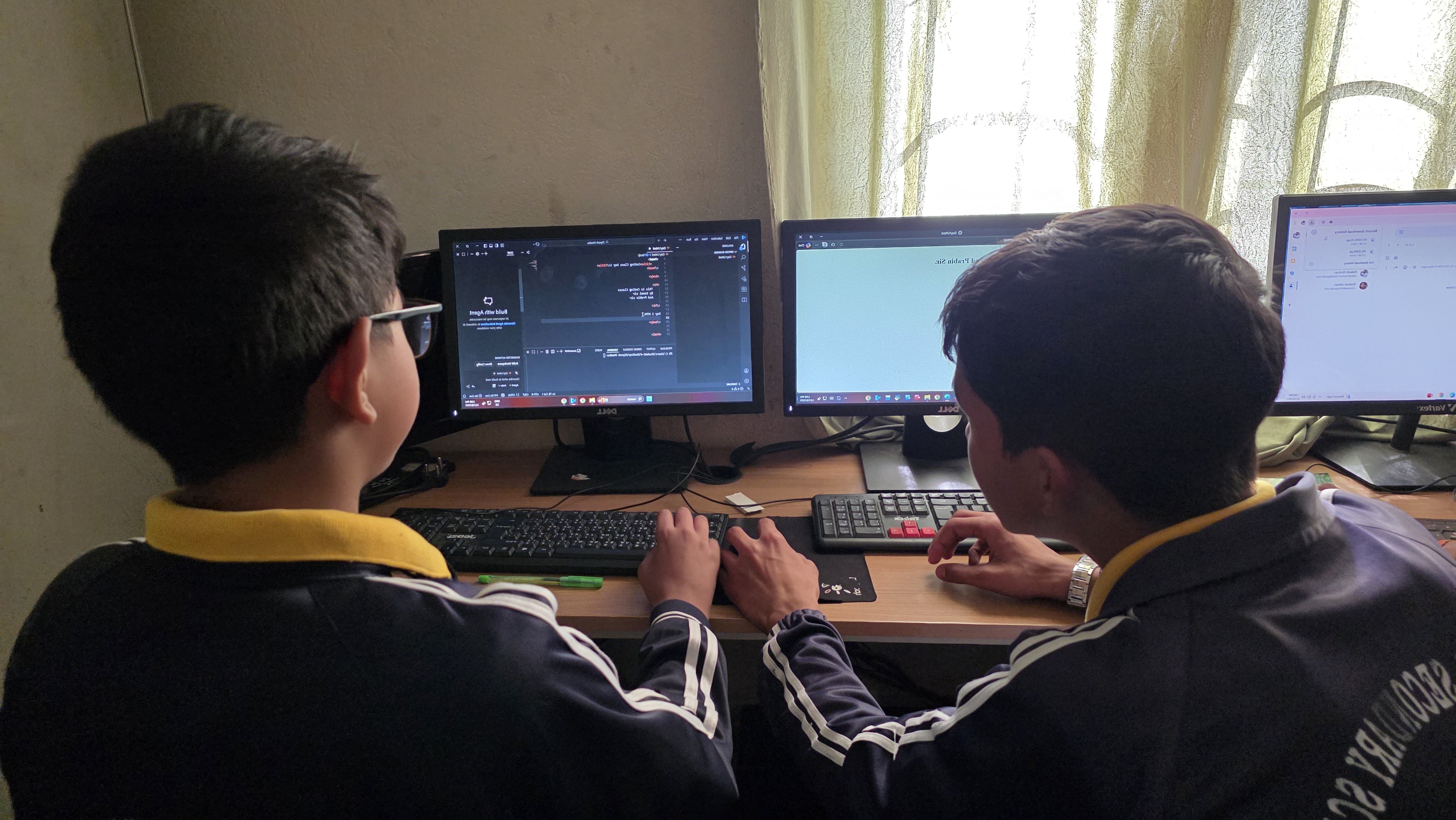
This comprehensive report documents the successful execution of the foundational coding curriculum for the basic level (Grades 4-8) at Padmodaya Secondary School for the academic year 2082 BS. Designed under the Integrated Learning Guidelines of the Kathmandu Metropolitan City Education Department, the program aimed to foster computational thinking, logic, and creative expression. Over the course of the completed sessions, students transitioned from novice digital consumers to active creators. By engaging with visual programming in Scratch and structural web design in HTML, students successfully built a strong foundation in syntax, sequencing, and problem-solving, equipping them with essential 21st-century digital skills.
| # | Student Name | Grade | Remarks |
|---|---|---|---|
| 1 | Aadarsh Mahato | Grade 6 | Completed |
| 2 | Aaryav Adhikari | Grade 8 | Completed |
| 3 | Aniket Raj Kushwaha | Grade 7 | Completed |
| 4 | Anish Kumar Pandit | Grade 7 | Completed |
| 5 | Ankrit Chaudhary | Grade 8 | Completed |
| 6 | Biki Kumar Ram | Grade 7 | Completed |
| 7 | Binisha Bhat | Grade 8 | Completed |
| 8 | Dikshit Pokharel | Grade 8 | Completed |
| 9 | Dipesh Khadka | Grade 8 | Completed |
| 10 | Faizul Hasan | Grade 6 | Completed |
| 11 | Glorisha Subedi | Grade 8 | Completed |
| 12 | Ishan Acharya | Grade 7 | Completed |
| 13 | Jenish Basnet | Grade 7 | Completed |
| 14 | Jitendra Thakur | Grade 7 | Completed |
| 15 | Md. Arman | Grade 8 | Completed |
| 16 | Mithlesh Kumar | Grade 8 | Completed |
| 17 | Niraj Thapa | Grade 6 | Completed |
| 18 | Nirmal Neupane | Grade 7 | Completed |
| 19 | Nishan Prasai | Grade 6 | Completed |
| 20 | Piyush Shah | Grade 7 | Completed |
| # | Student Name | Grade | Remarks |
|---|---|---|---|
| 21 | Prajwal Chaudhary | Grade 7 | Completed |
| 22 | Roshan Chaudhary | Grade 6 | Completed |
| 23 | Roshit Saud | Grade 7 | Completed |
| 24 | Sagar Patel | Grade 8 | Completed |
| 25 | Sajwol Shiwakoti | Grade 8 | Completed |
| 26 | Samundra Bhattarai | Grade 6 | Completed |
| 27 | Sesansh Pandey | Grade 6 | Completed |
| 28 | Sunil Mandal | Grade 6 | Completed |
| 29 | Suraj Gadalie | Grade 7 | Completed |
| 30 | Yug Kumar Sahani | Grade 8 | Completed |
| 31 | Yunik Kunwar | Grade 7 | Completed |
We began the academic session with a comprehensive introduction to programming concepts.
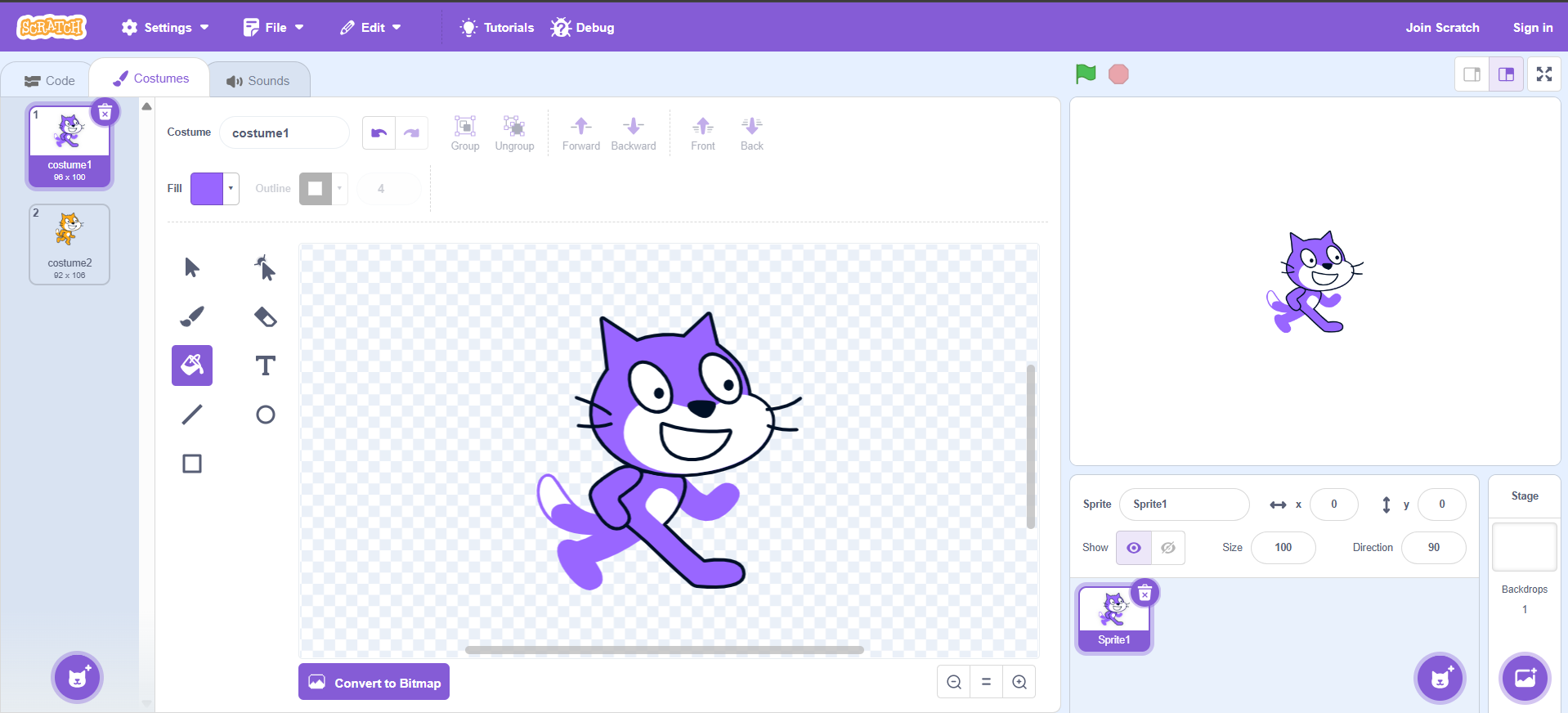
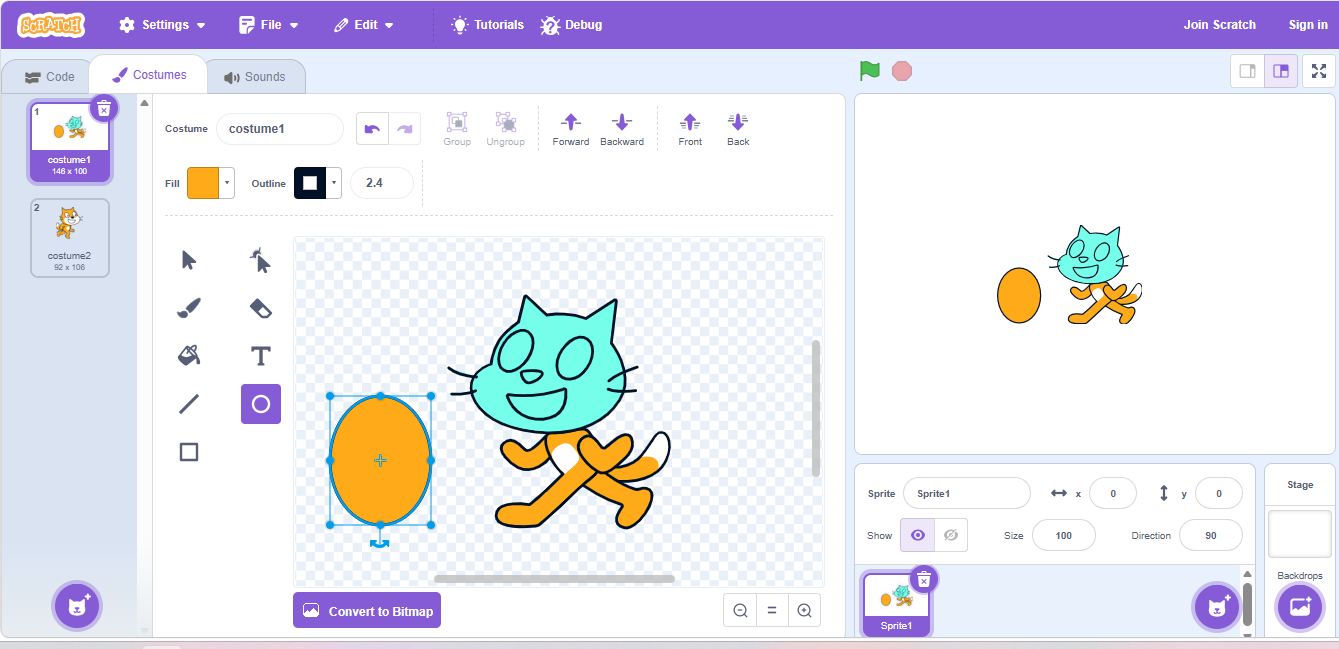
This session focused on mastering the graphical tools within Scratch. Students explored various color selection methods and engaged in hands-on activities to draw different shapes. They were introduced to the text option, using it to write about themselves while experimenting with different fonts, sizes across paragraphs, and text colors. Through these creative exercises and group discussions on styling options, students gained familiarity with basic design tools while simultaneously being introduced to foundational programming concepts such as sequence and selection.
In this session, students dove into the logic of movement and coordinate systems. They were introduced to the Scratch stage as a mathematical coordinate plane, learning how to use the x-axis and y-axis to precisely position their sprites. Through hands-on activities, learners explored various motion blocks to change directions and move characters across the screen. They successfully practiced programming sprites to move from top to bottom using the "go to x: y:" blocks and created smooth animations using the "glide" functions. This foundational understanding of coordinates and spatial movement allowed students to implement dynamic actions, such as making a ball bounce, bringing a new level of interactivity and physical logic to their projects.


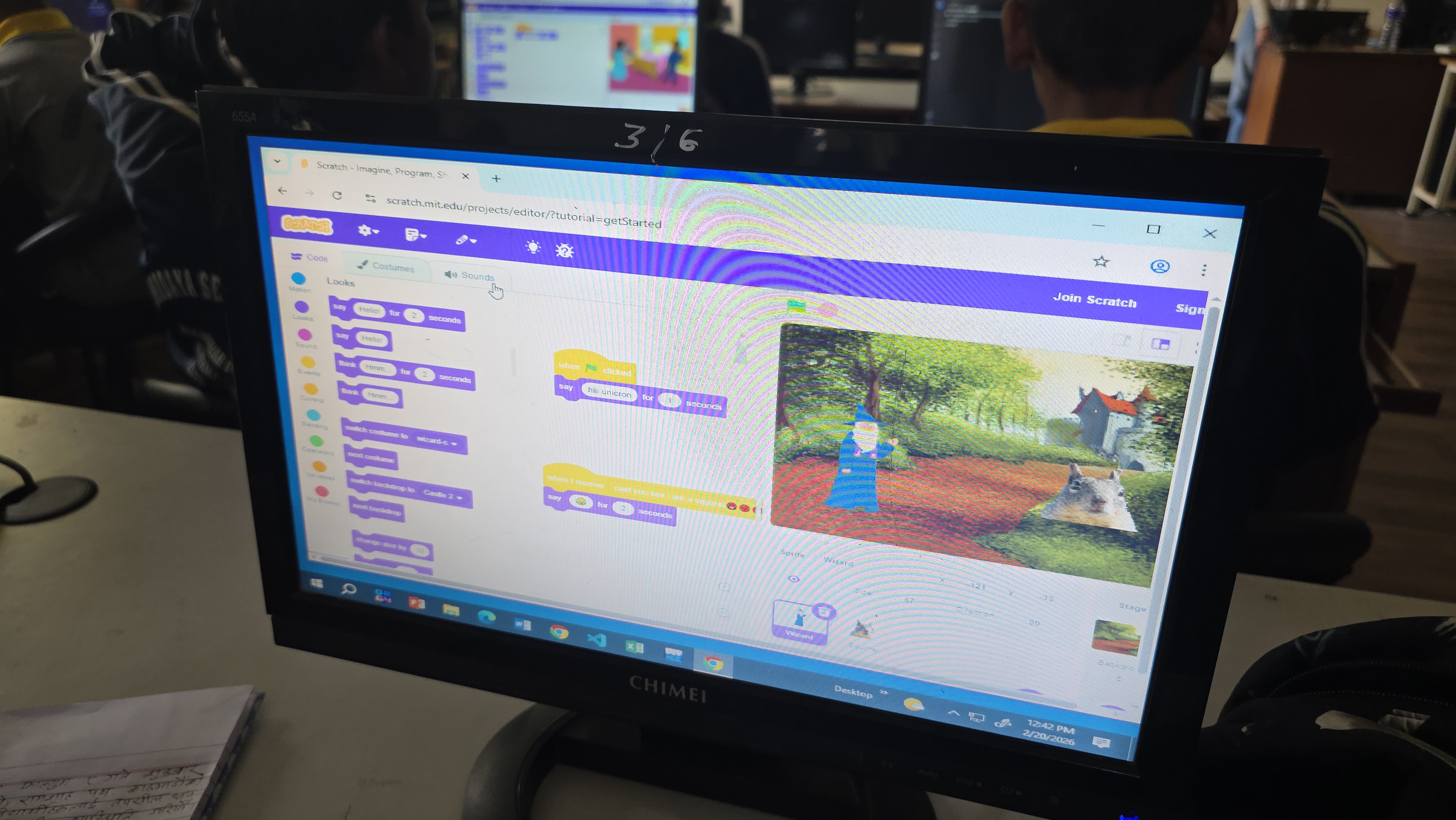
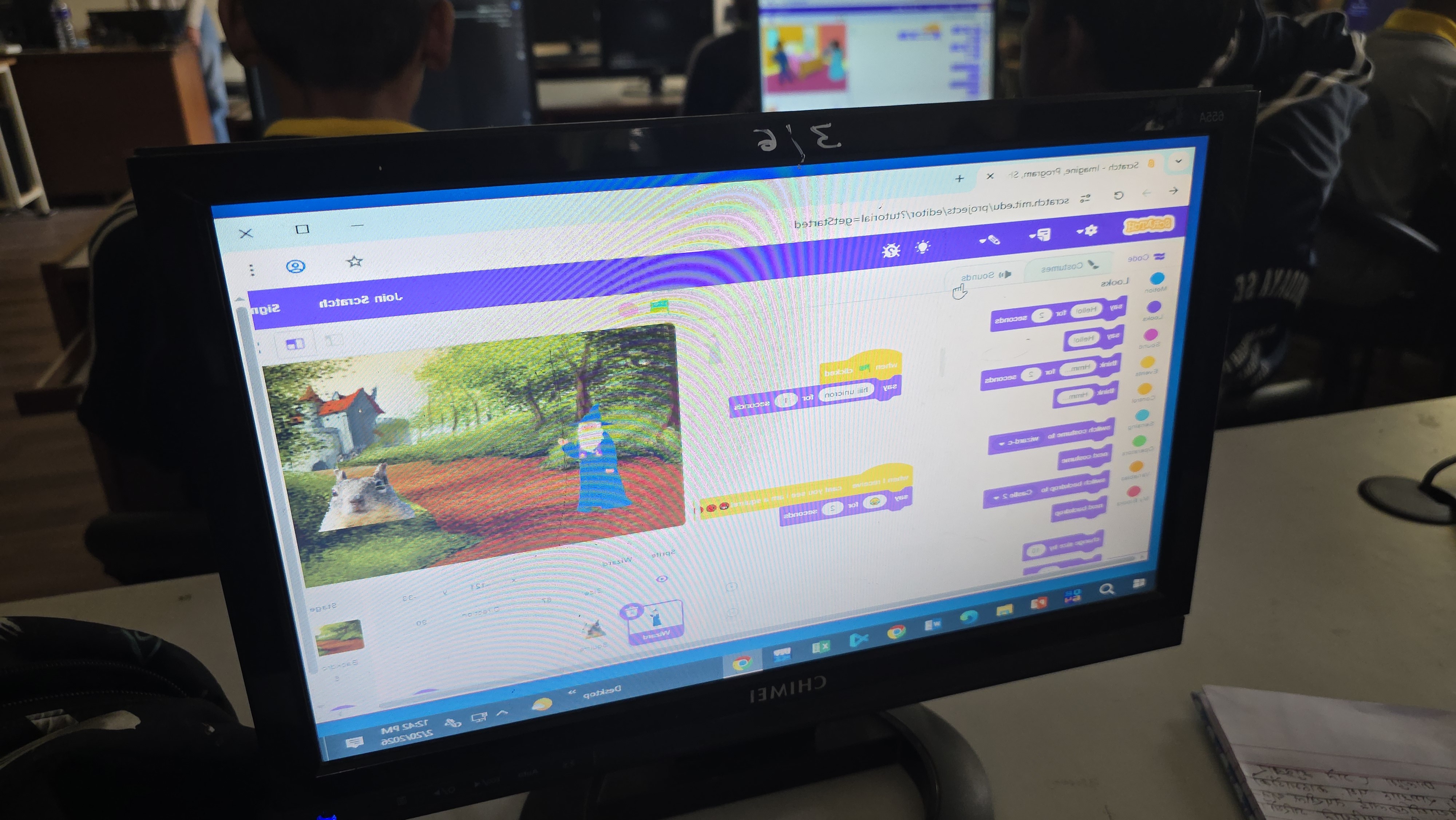
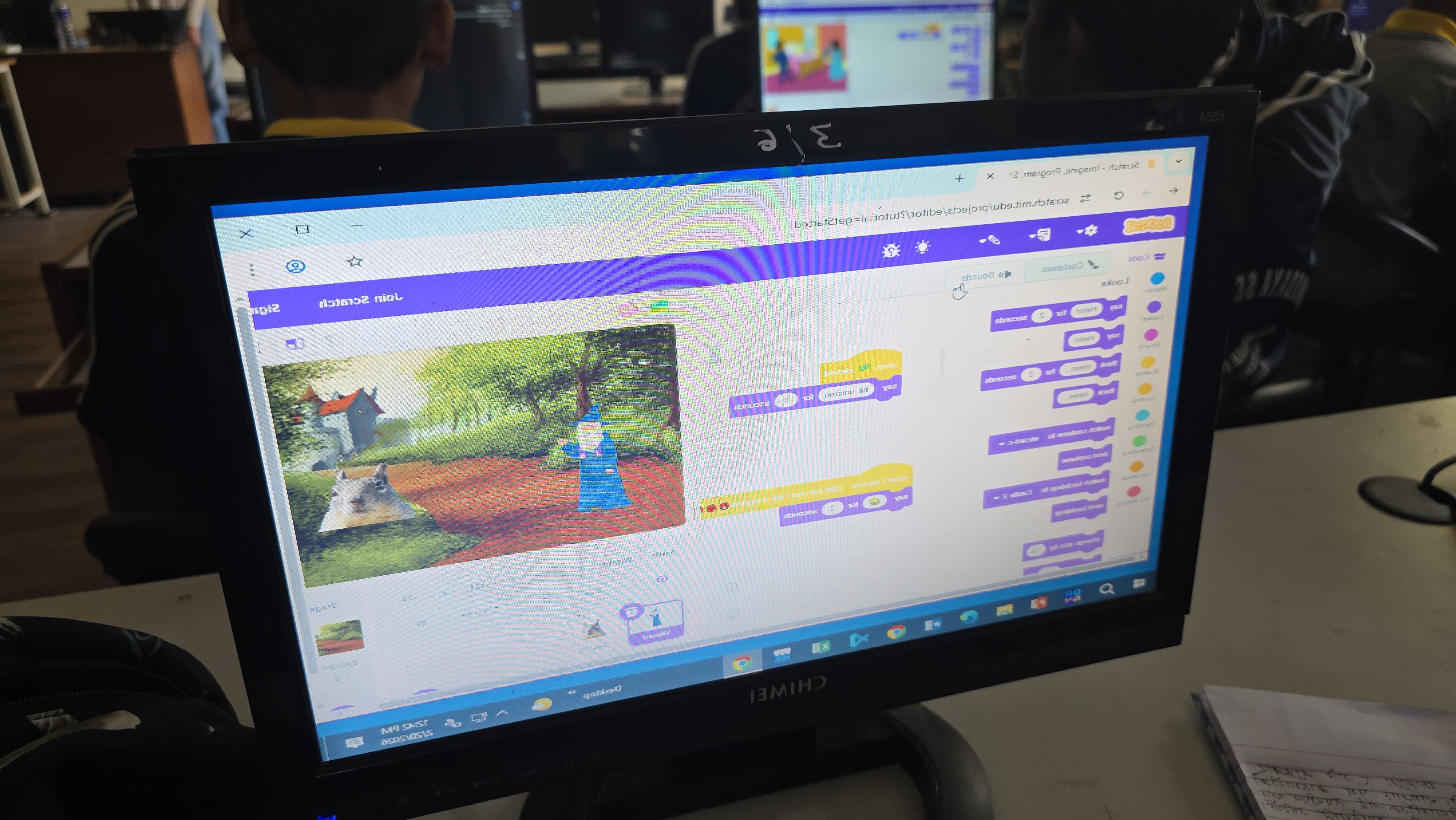
This session transitioned from simple movement to visual storytelling by exploring the "Looks" blocks. Students learned how to switch between different sprite costumes to create the illusion of walking and animation. We practiced using the say __ for __ seconds and think blocks to allow characters to communicate. By integrating these visual effects with event-driven programming (like pressing the spacebar to change costumes), students successfully created a short, animated sequence where a sprite walked across the screen while introducing itself.

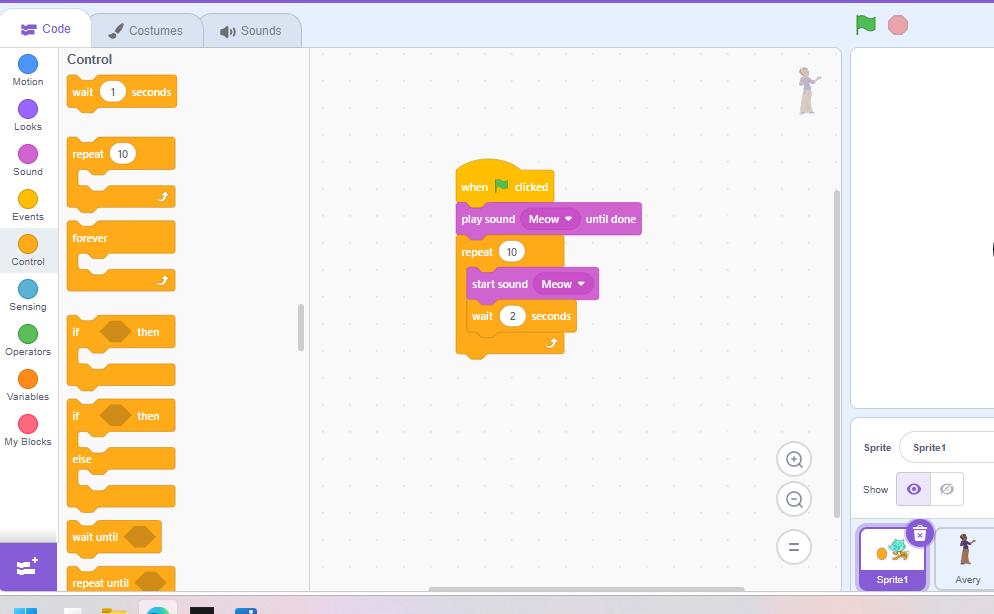
In this interactive session, students brought their projects to life using the "Sound" blocks and character customization tools. We explored how to add built-in sound effects and utilize the recording feature to add personal voiceovers to their sprites. The hands-on activity involved setting up a conversation between two custom-colored sprites. Students had to use critical thinking to time their say blocks and wait blocks perfectly so the characters did not talk over each other, simulating a real dialogue between school friends.
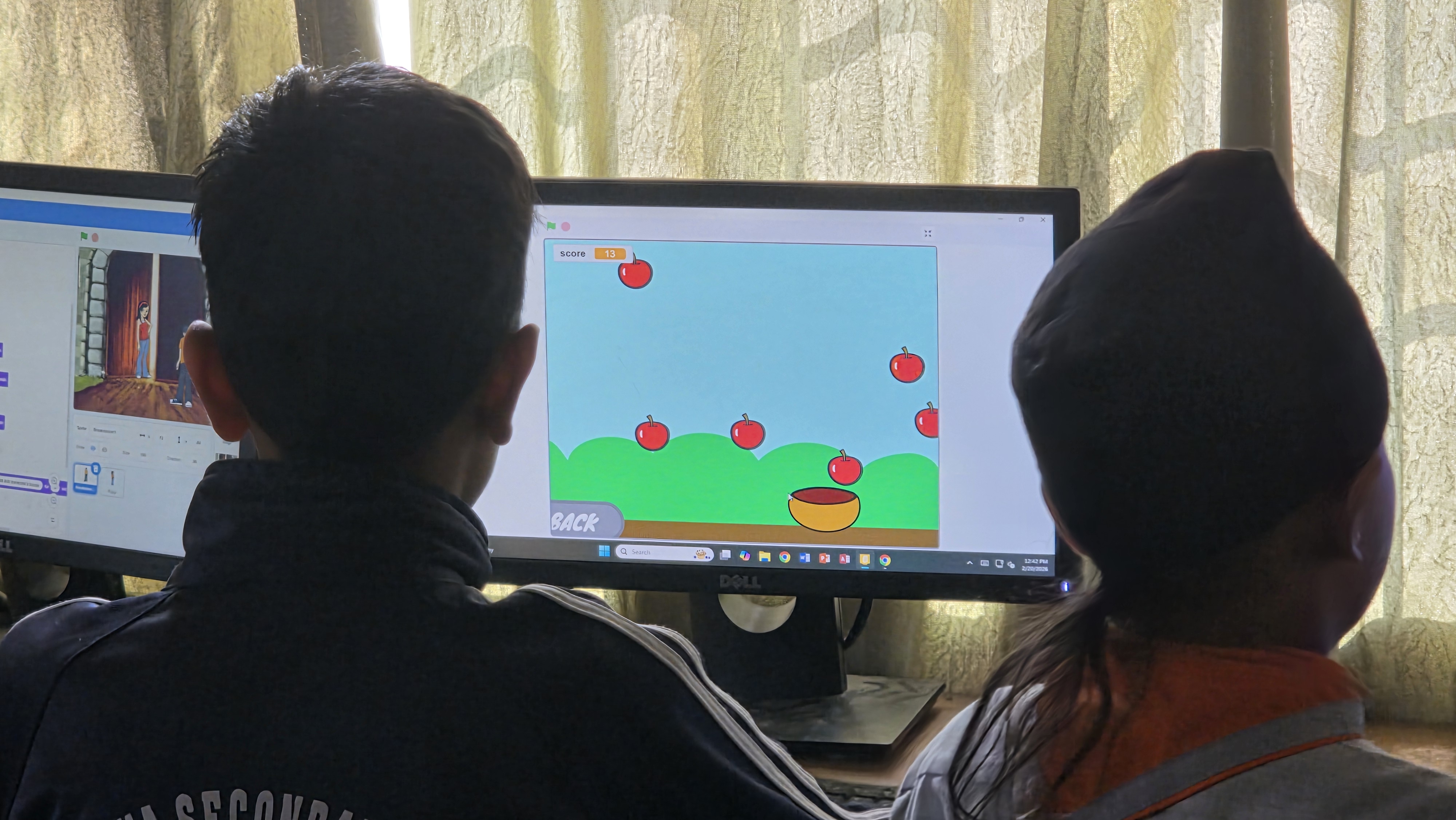
In this culminating Scratch session, students applied their knowledge of loops, variables, and conditionals to explore the fundamentals of game development. We discussed how interactive games function using event blocks and collision detection. Students engaged in a hands-on activity to build a basic interactive game, such as a maze or a Flappy Bird-style project. They learned to implement core mechanics like detecting when sprites touch and using variables to keep score, successfully synthesizing their visual programming skills into a fully playable project.
Today, our Coding Club stepped away from the textbooks and dove deep into the building blocks of the web! We focused on transforming plain text into organized, professional-looking content using advanced HTML structures.
???? What We Covered:
The Power of Lists: We mastered Ordered Lists (<ol>) for step-by-step instructions and Unordered Lists (<ul>) for quick bullet points.
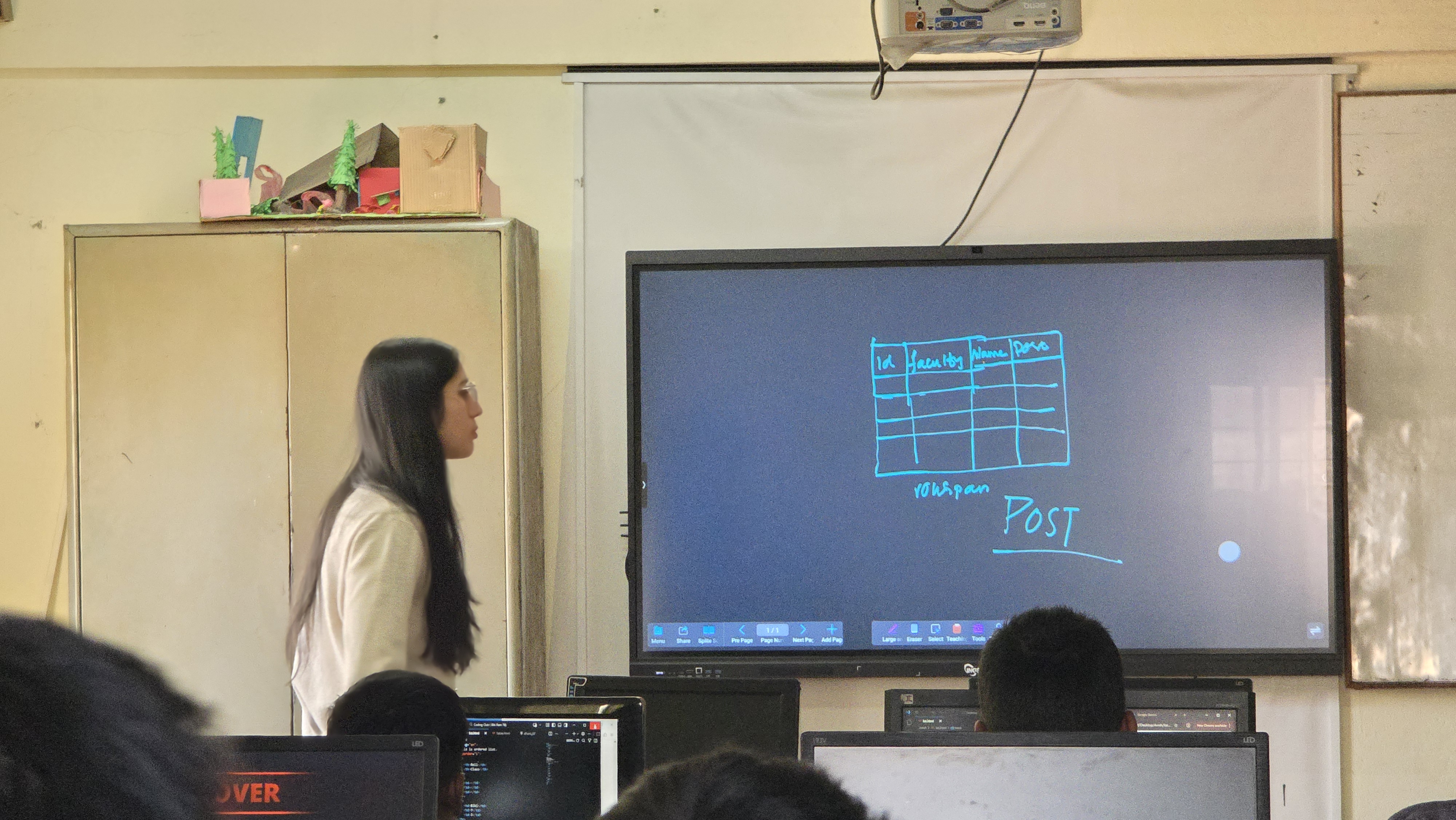
Data Organization: Students learned to build functional Tables (<table>) to display data clearly.
Advanced Formatting: We tackled the "tricky stuff"—using Row Span and Col Span to merge cells and create complex, custom table layouts


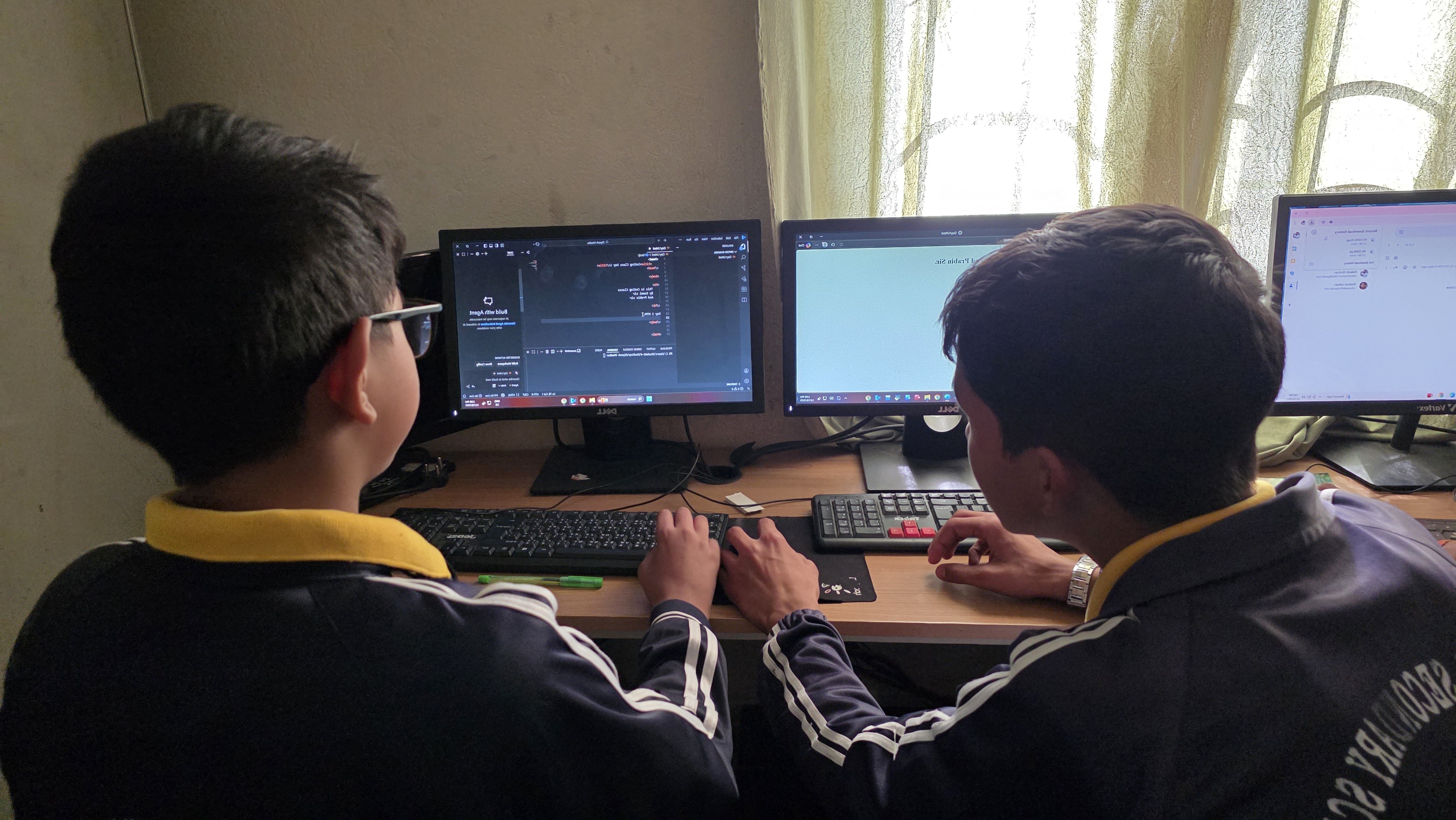
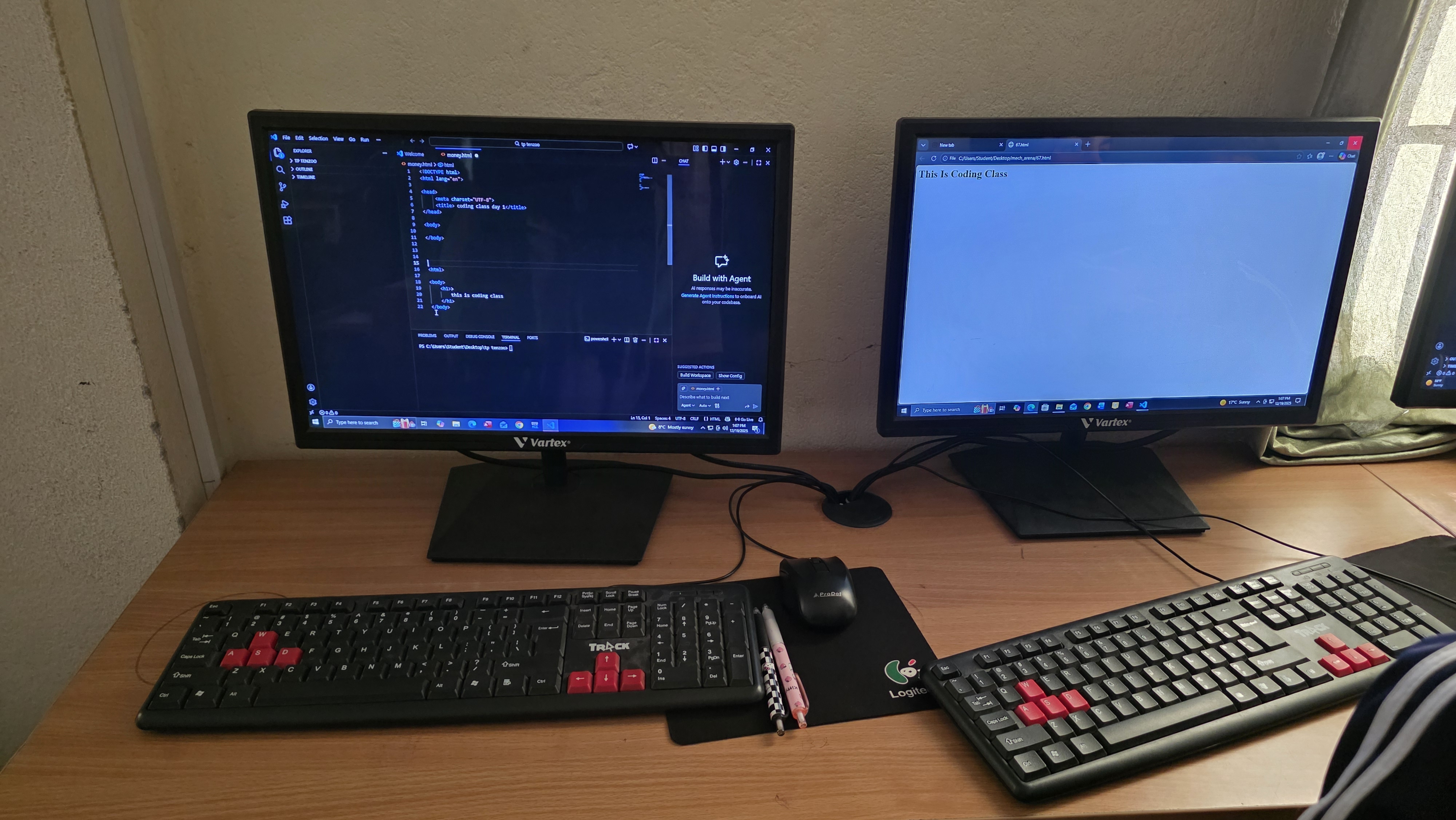
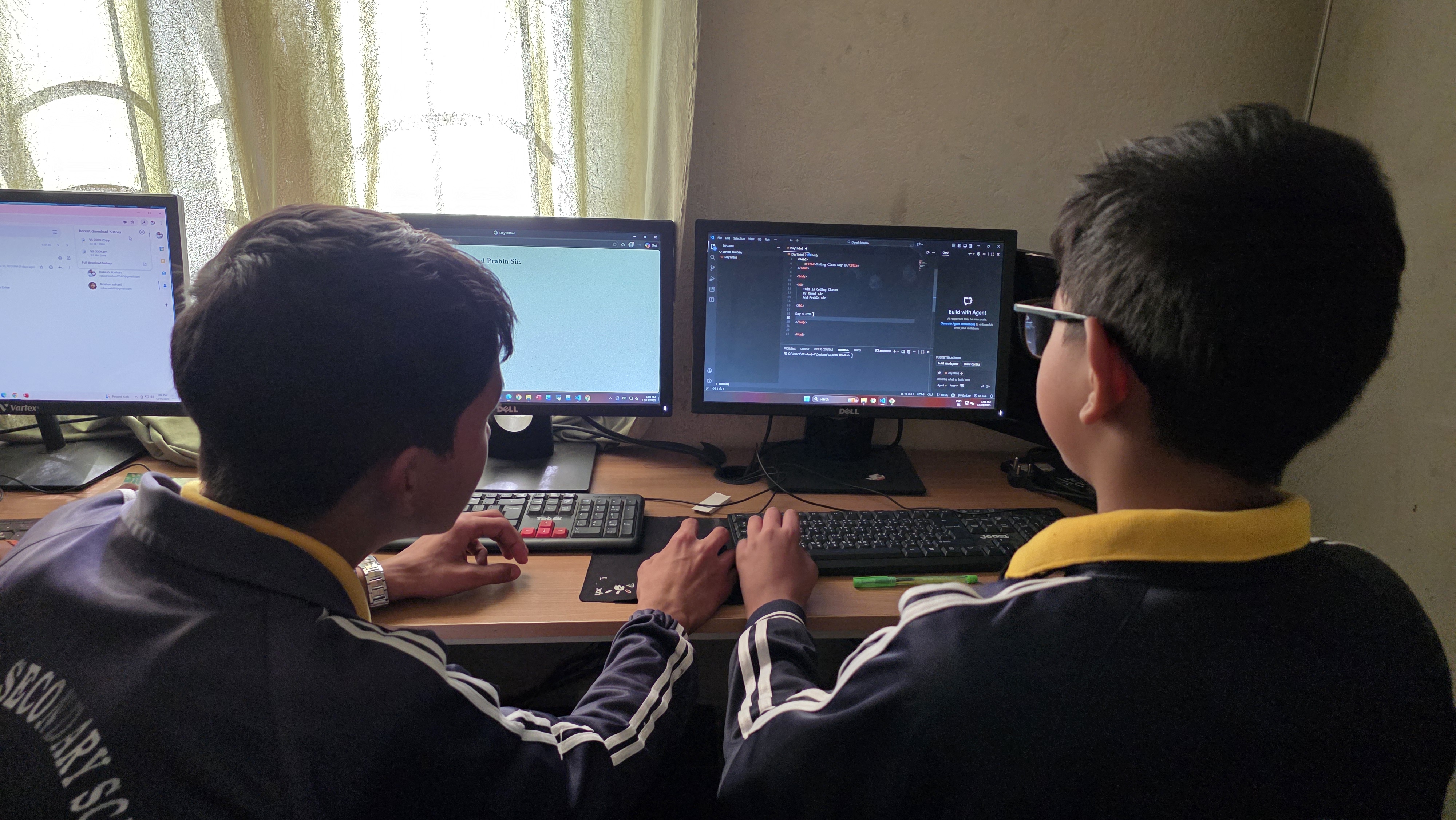
In this activity, a pre-assessment was conducted to evaluate students’ prior knowledge of websites and web development concepts. An interactive discussion was facilitated to introduce the concept of a website, its purpose, and how web pages are accessed and displayed through a web browser. The process of how HTML files are rendered by browsers was explained using real-life examples to enhance understanding. Students actively participated by sharing their existing ideas and experiences related to websites. This activity helped learners develop a foundational understanding of HTML and recognize its importance as the core building block of web development.
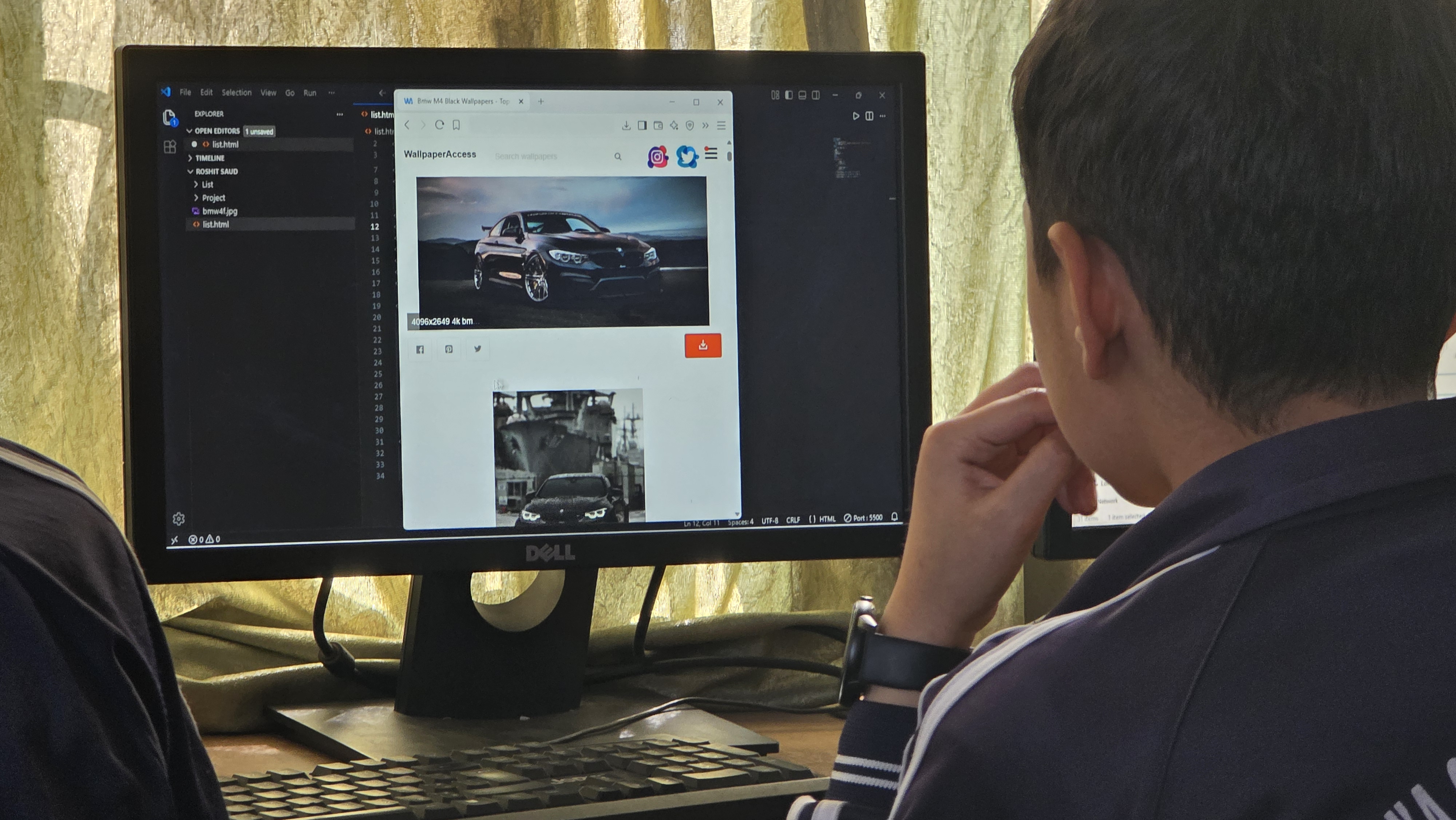
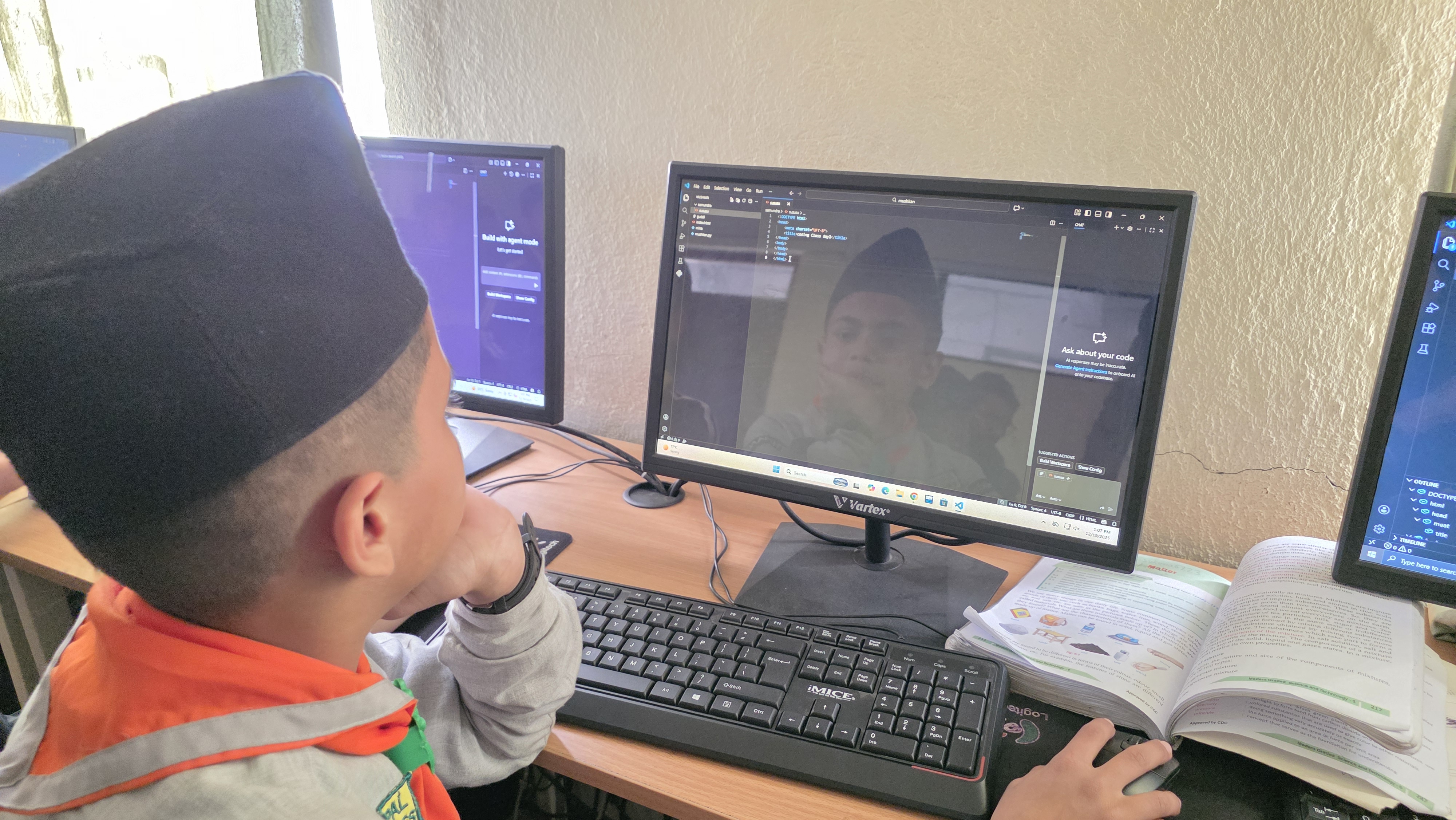
Students were introduced to the basic structure of an HTML document, including the <html>, <head>, <title>, <h1> to <h6> and <body> tags. A detailed discussion on commonly used HTML elements such as headings, paragraphs, titles, and divisions was conducted. Learners then created their first simple HTML webpage using these basic tags. They practiced saving the file with a .html extension and opening it in a web browser to view the output. Emphasis was placed on proper syntax, correct tag usage, closing tags, and appropriate nesting of elements. Through hands-on practice, students gained confidence in building and viewing basic HTML pages.


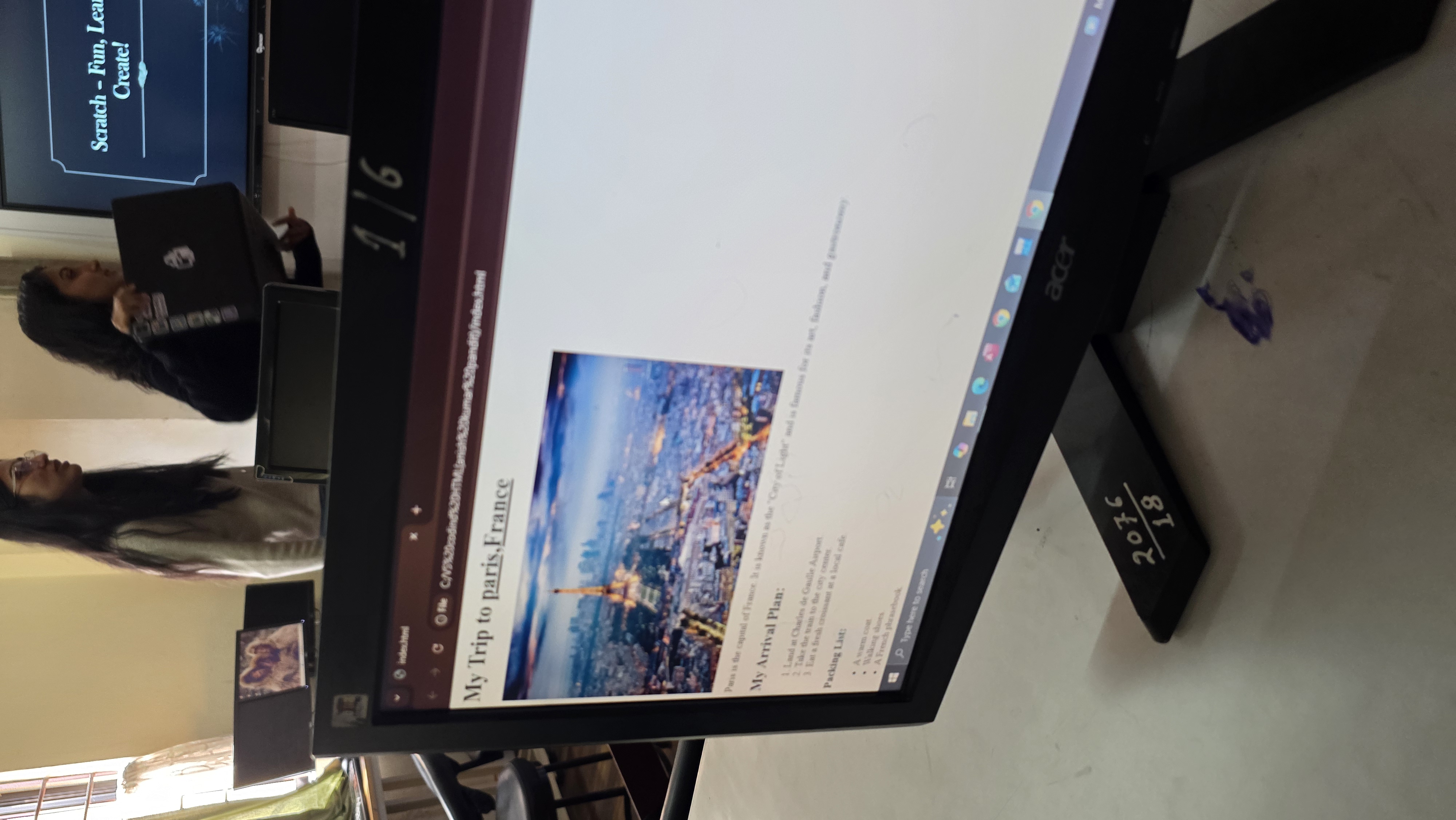
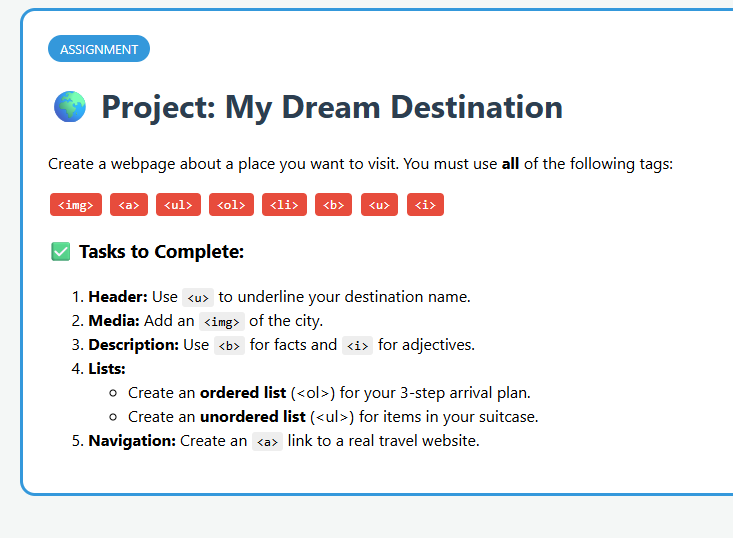
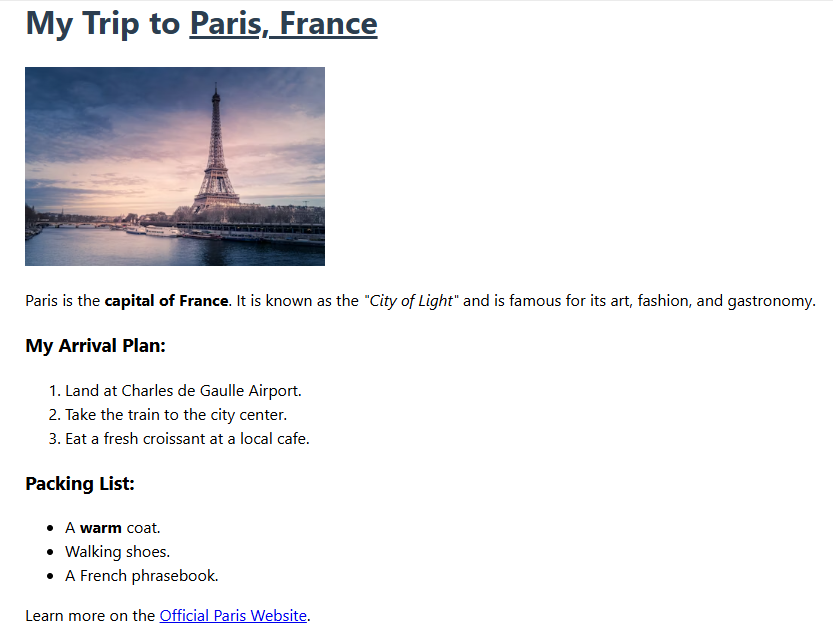
In this activity, students were introduced to advanced content structuring techniques to enhance the readability and organization of their web pages. The session focused on the implementation of HTML lists, including Ordered Lists (<ol>) for sequential procedures and Unordered Lists (<ul>) for non-sequential items. Students learned to correctly nest List Items (<li>) within parent tags to create structured inventories and itineraries relevant to their KMC Report Repository project. Additionally, learners integrated visual media by using the Image tag (<img>), exploring attributes such as src for linking file paths and alt for accessibility. Text formatting was further refined through the application of Bold (<b>), Italic (<i>), and Underline (<u>) tags to emphasize critical information like report status or location names. Through hands-on practice, students successfully built a comprehensive webpage that combined these elements, reinforcing their ability to present data that is both visually engaging and hierarchically organized.

Stepping back into web development, this session introduced students to user interactivity on the web through HTML Forms. We discussed how websites collect information, such as sign-ups and logins. Students used the <form> tag and explored various <input> types, including text fields, radio buttons, and checkboxes. They learned how to implement attributes like placeholder to guide users and required for form validation. For their hands-on project, students successfully built a simple "Coding Club Registration Form," integrating their prior knowledge of lists and layout to make the form presentable.
The initial phase of the coding curriculum has been highly successful. The students have shown remarkable enthusiasm and a solid grasp of foundational logic through Scratch, as well as a strong understanding of web architecture through HTML.